Built for private chefs who book through DMs, texts, and email.
Turn private chef inquiries into paid deposits.
BTS builds you a branded booking page where clients choose a menu, submit event details, and pay after you approve. No more chasing DMs, texts, or deposit reminders.
View the live demo storefront. It shows the exact menu, request, approval, and payment flow.
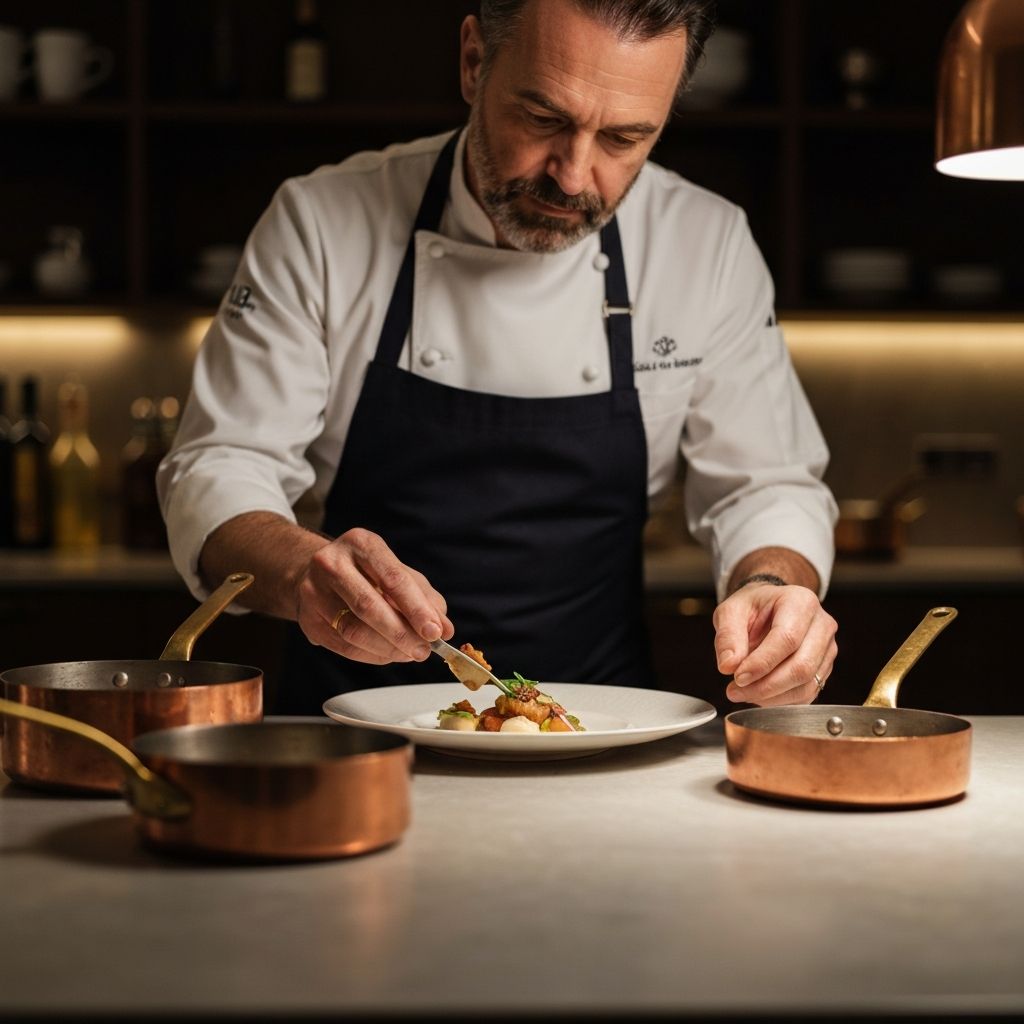
- Built for private chefs
- Done-for-you setup
- You approve every booking
- Collect deposits or full payment
- Live booking demo available
Live template demo
See the booking flow your clients would use.
A short look at the working demo: clients choose a menu, send event details, wait for your approval, then get the payment handoff.
One flow from first look to paid booking.
The demo keeps each next step clear, so serious inquiries do not disappear into screenshots, texts, and follow-up messages.
Step 1
Client sees the menu
Step 2
Client submits the details
Step 3
Chef stays in control
Step 4
Client gets the next step
The DM spiral vs one booking link
Keep texting if you want. This just gives you one link for details and payment.
Before
- You answer the same 20 questions in DMs and email threads.
- Headcount changes twice, then allergy notes get buried.
- You are on a grocery run and still chasing the kitchen address and deposit.
After
- You send one link and the client picks a menu and date.
- They fill in headcount, allergies, timing, and kitchen address in one form.
- You approve or decline, payment is collected, and event details stay in one place.
What you get
Your private chef booking system, built for you.
BTS turns your menus, request forms, approvals, payments, and client follow-up into one branded flow.
Want proof before a walkthrough? Browse our live demo booking page.
01
A branded booking page
A polished page built from your real menus, photos, event types, and booking preferences.
- Your brand, photos, menus, add-ons, pricing, and event types
- A simple path from browsing to starting a request
- A shareable link clients can open from any DM, email, or bio
02
A guided request flow
A guided form collects the details you usually have to chase manually before you quote.
- Date, timing, headcount, address, allergies, notes, and event context
- Every request waits for your approval before anything is booked
- A dashboard where event details stay together instead of scattered across threads
03
Payment and follow-up
Approved clients get a clean next step for payment, confirmation, and booking details.
- Deposit, full payment, or guest-split payment options
- Email confirmations with the booking details and next steps
- Done-for-you setup from your menu, photos, branding, and booking rules
The end result is simple: clients request a date, you approve the right fit, and payment happens before the event details get lost in messages.
Built for you, then walked through with you.
You do not need to stitch together forms, payment links, menu PDFs, and follow-up emails. We turn your existing material into a working booking flow.
You send your menu, photos, event types, and booking rules.
We build your first booking page and request flow.
You review the live flow before sending it to clients.
See exactly what your client would click through before we build yours.
Why chefs stick with it
I got three booking requests today and each one is buried in a different text thread.
Send one link. People pick a menu and submit details in one place, so you stop hunting through old messages.
I am still asking for headcount, allergies, and the kitchen address the day before the event.
The form collects those details up front. You get one clean request before you start prep or grocery shopping.
I spend too much time chasing deposits, then people ghost.
After you approve, the payment link goes out right away. You can collect a deposit or full payment.
Who this is for
If booking work comes through texts and email, this will feel familiar.
Private chefs doing regular events
You book a few events every month, handle client messages yourself, and want one clean way to collect details and payment.
Chefs growing a small team
You are juggling more dates, trying to avoid double-booking, and need requests, payments, and confirmations in one place.
Who this is not for
Chefs who only do one event every few months and do not care about deposits or keeping event details organized.
Want to see if it fits your workflow?
Questions chefs ask
Want us to build your booking page?
Send us your menu. We will set up the rest and walk you through it.
Prefer email? Send us your menu.